Articles are currently available in English.
Yoga
Choosing a Beginner Yoga Video: Five Checks Before Play
By Sweat & Snack Editorial Team · 2026-10-14
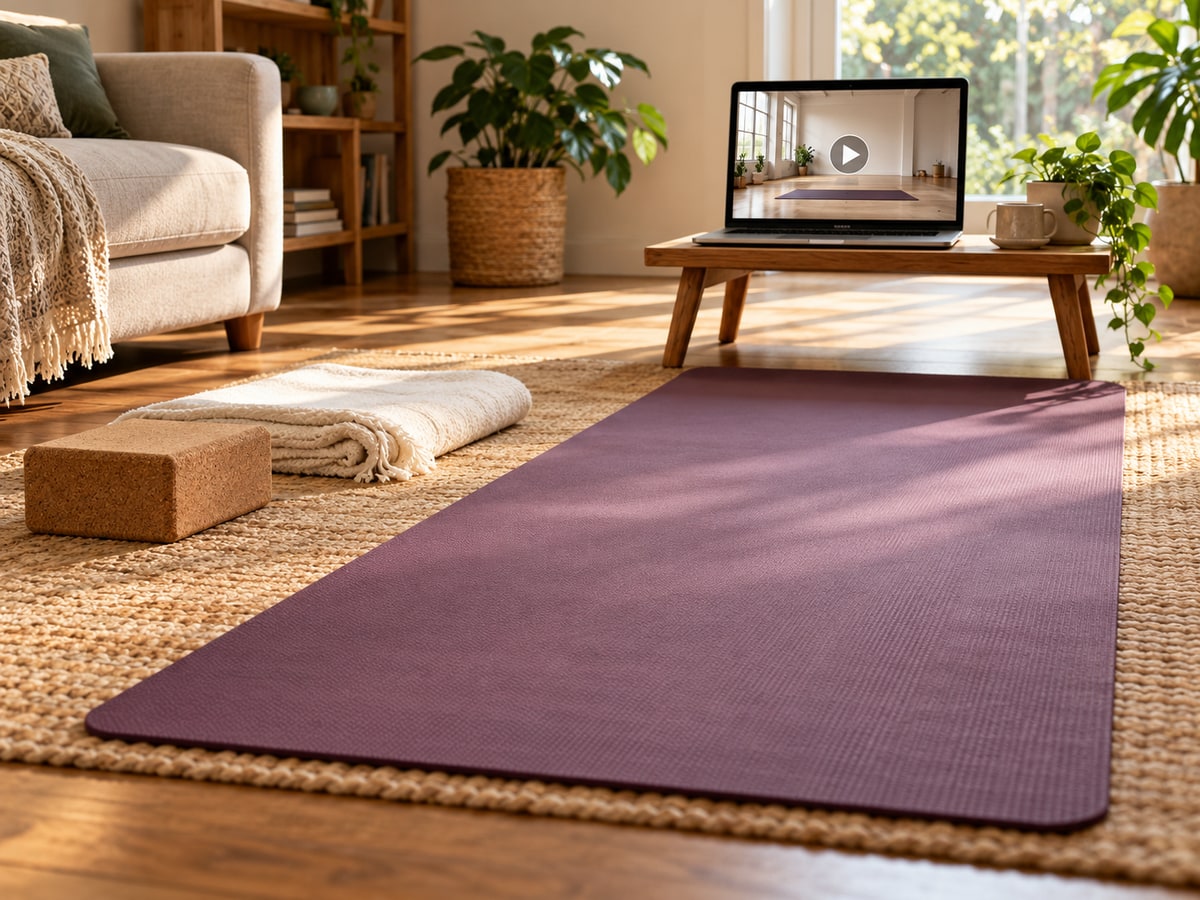
Before choosing a beginner yoga video, try watching a little of it without following along. Check who teaches it, whether the explanations make sense to you, how quickly it moves, which alternatives are offered and what equipment it expects. A short preview may help you choose a more workable lesson than the thumbnail alone.
This is a practical selection checklist, not a recommended workout or a review of a particular channel. A recording cannot watch your movement or answer a question in the moment. If you are completely new and unsure about the movements, consider learning with a qualified instructor rather than relying on a video alone.
1. Look beyond the word beginner
Read the lesson description and teacher introduction. Look for information about the instructor's training and experience, who the session is for, and what previous knowledge it assumes. Yoga practices range from gentle to physically demanding; a style name or a beginner label does not tell you everything about this particular recording.
As a selection suggestion, prefer an introduction that explains what you will be doing. Ask yourself whether you understand the instructions without already knowing the pose names. If a video simply announces a sequence of unfamiliar words, you could choose a lesson that teaches those basics first.
A useful question to write down
Try: “Does this teacher explain how to enter and leave the movement, or only show its final shape?” You are assessing how the lesson is taught, not judging the instructor by how flexible they look. For supervised learning options, our first yoga class questions can help you prepare a message to a teacher.
2. Preview the pace, not just the runtime
A ten-minute video can contain many quick transitions or just a few slowly explained movements. Try previewing the introduction and a section in the middle before deciding. Notice whether the teacher leaves time to understand the explanation and whether changes between sitting, standing and floor work are clearly shown.
You could choose a lesson with room in your schedule for pauses. If you have fifteen minutes available, that need not mean selecting a fifteen-minute recording and racing its clock. Watching an explanation again is a practical option, not a failed session.
Keep the pause control easy to reach
Before starting, check how to pause or rewind on the device you plan to use. You might turn off autoplay if it would lead into an unrelated lesson. If you need captions, check that they are available and understandable before moving away from the screen.
3. Check the alternatives before you need them
Look for explanations of simpler options, pauses and movements you can leave out. As a practical preference, choose a teacher who explains these options before the relevant section rather than only after it. If an option you need is missing, ask a qualified instructor about a suitable lesson.
Beginners should avoid extreme practices such as headstands, shoulder stands, lotus position and forceful breathing. Pregnancy, older age, health conditions or previous injuries may require changes to yoga practice; discuss relevant needs with your health care professional and instructor. A video's title cannot establish that it is appropriate for your individual situation.
If getting down to the floor is not the setup you want, you could look for a clearly described seated lesson and discuss suitability with a teacher. Our chair-yoga guide explores that different format.
4. Read the equipment list and inspect the space
Check whether the recording expects a mat, blocks, a strap, a chair or a wall. Gather the items it actually uses before deciding to follow along. Avoid improvising unstable supports just to keep up with the video. Our yoga props guide can help with the equipment questions.
As a home-organisation suggestion, clear the area around the mat, move cables out of the way and place the device on a stable surface. Keep pets, opening doors and other household traffic in mind. The photograph illustrates the topic; copy neither the room layout nor any support arrangement without checking your own space.
5. Check what you can see and hear
Play the preview from the place where you expect to practise. Can you hear the explanation? Can you see the teacher's whole demonstration, rather than a cropped close-up? If the screen is too small or the audio is unclear, try another device or lesson before starting.
As a practical rule for yourself, pause before changing the screen position. Avoid trying to match an unfamiliar movement while also operating the laptop. If understanding a movement requires repeated guesswork, seek instruction rather than assuming more replays will answer the question.
Save a short decision note
- Teaching: I understand the explanations and know who is teaching.
- Pace: I can allow time for pauses and unfamiliar transitions.
- Options: The lesson explains alternatives relevant to me.
- Setup: I have the stated equipment and a clear space.
- Viewing: I can see, hear and pause the lesson easily.
Save the video title and your unanswered questions in the weekly planner. If several boxes remain uncertain, you could save the recording for later and arrange a supervised introduction. There is no need to finish a video simply because you pressed play.
The checklist and setup ideas are original suggestions. The images are AI-generated depictions of a fictional home, not an endorsement of a video or instructor.